Skip to content
PT

Teams

Ten quick ways for a team to get to know each other, remotely or in the same room.

Before you start

How to use this guide

Feeling that remote work is making the team spirit disappear? Try an icebreaker at the start of a meeting. Every card says how long it takes, when to use it and how it works. Filter by remote or in person, or search for what you need.

You can also switch to selection mode and pick icebreakers to save as a PDF (which you can print).

Jump to

Pick a kind of icebreaker

Category
Remote/In person

10 of 10 icebreakers

8 icebreakers

Team Icebreakers

Feeling that remote work is making the team spirit disappear? These help people get to know each other a little, beyond the small talk.

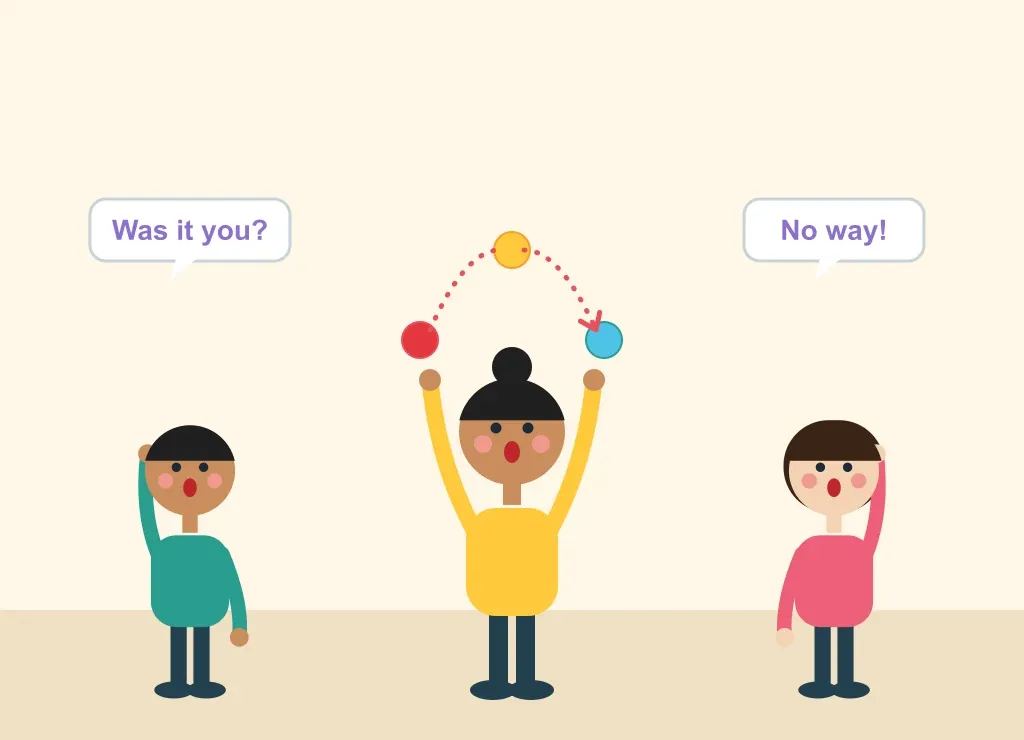
Illustration: You Can Do What?

You Can Do What?

Group
The whole team
Age
Any age
Duration
5 minutes per round
Where
Remote or in person
How it works

When to use it

When you want to get beyond the small talk. A simple way to get people talking, and to quickly learn surprising things about people you thought you knew.

Before the meeting

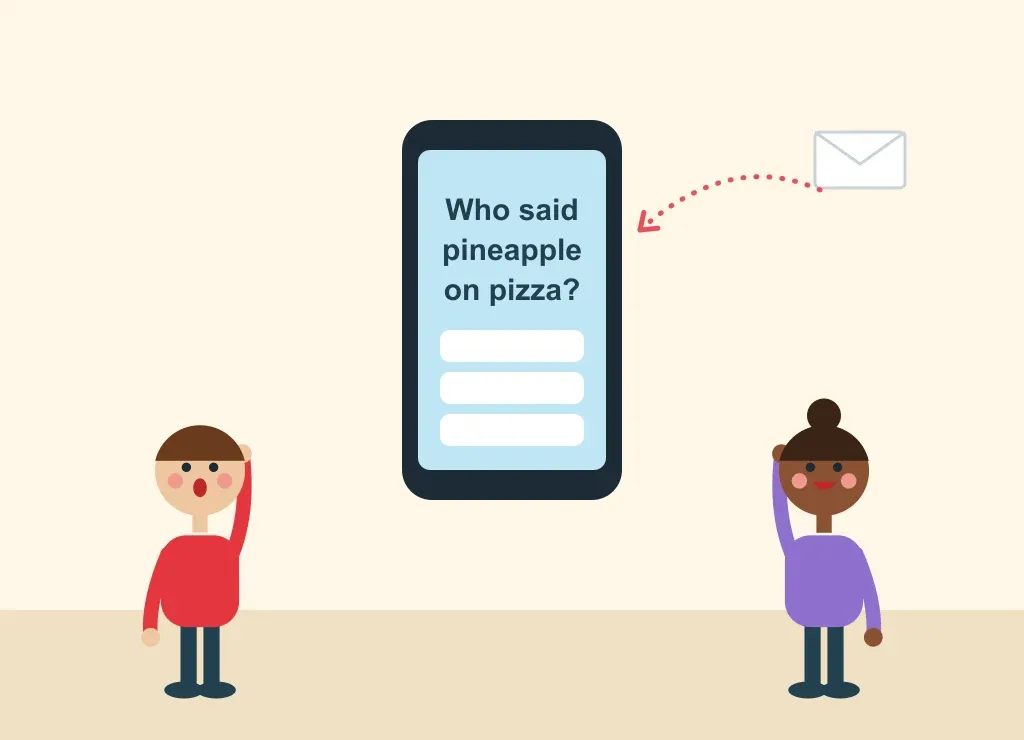
  • Before the meeting, ask each participant to send you a private message with a crazy skill or fact about themselves that no one knows about.

Step by step

  1. When the meeting starts, read out one fact at a time.
  2. Everyone guesses who they think the fact belongs to.
  3. Reveal the owner, and let them tell the story behind it.
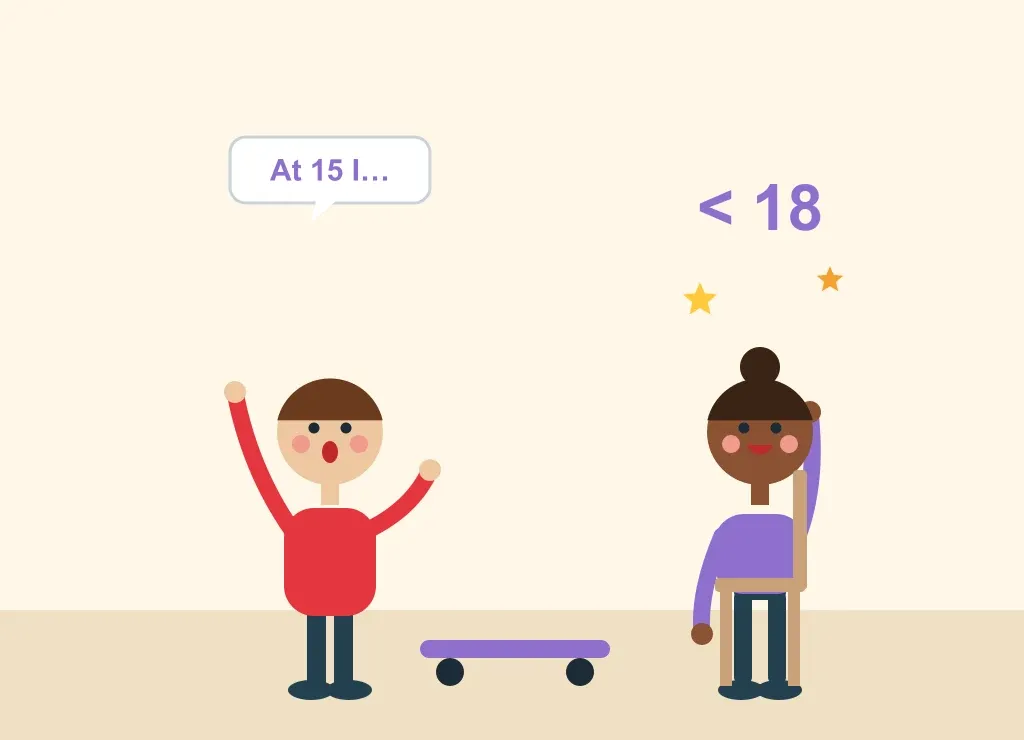
Illustration: <18y

<18y

Group
The whole team
Age
Any age
Duration
2 minutes per person
Where
Remote or in person
How it works

When to use it

Before a meeting: an engaging way to encourage team members to share fun or interesting stories with one another.

Step by step

  1. Go around the room.
  2. Each person shares one accomplishment they had before they turned 18.

Tips

  • Some will be of lesser importance, like “I bought a skateboard”, but you never know what hidden skills you'll discover in your colleagues.
Illustration: Too Many Cooks

Too Many Cooks

Group
The whole team
Age
Any age
Duration
2 minutes per round
Where
Remote, on a shared whiteboard
How it works

When to use it

A fun icebreaker for people who don't know each other and have just been introduced.

What you need

  • A shared online whiteboard (Miro or similar) with anonymous access

Before the meeting

  • Create the board with anonymous access: it's really important that everyone goes in anonymously.

Step by step

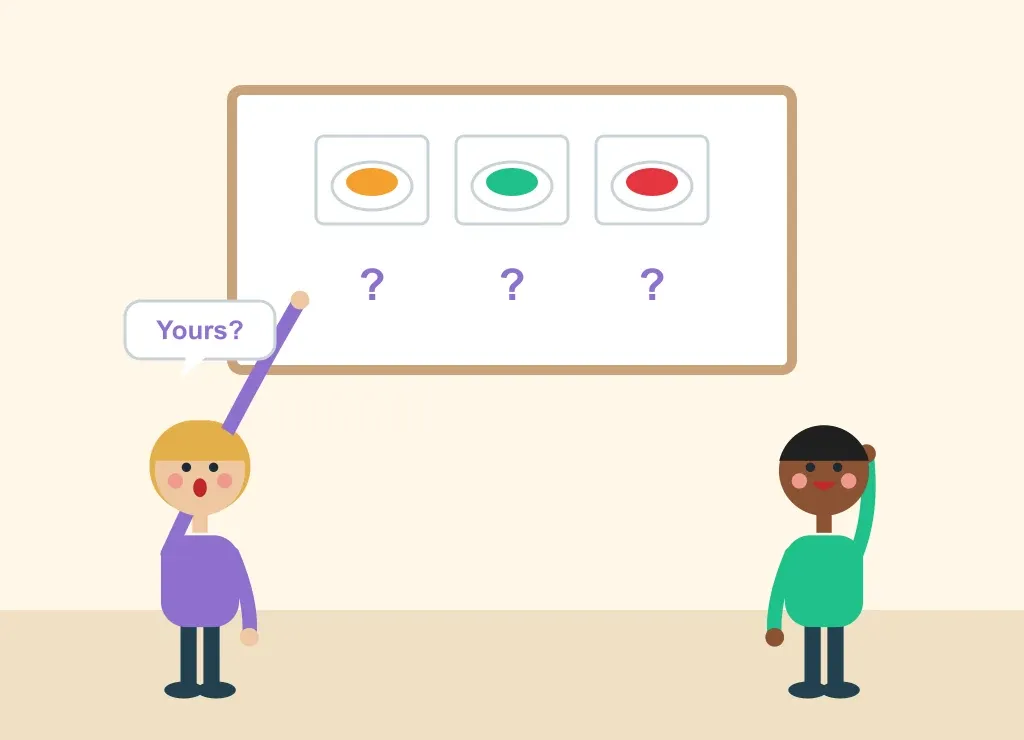
  1. Everyone uploads a photo of their favourite meal to the board.
  2. Once everyone is done, go round the photos trying to guess who added each one.
Illustration: What’s the Origin of Your Name?

What’s the Origin of Your Name?

Group
The whole team
Age
Any age
Duration
2 minutes per person
Where
Remote or in person
How it works

When to use it

A fun icebreaker for people who don't know each other and have just been introduced.

Step by step

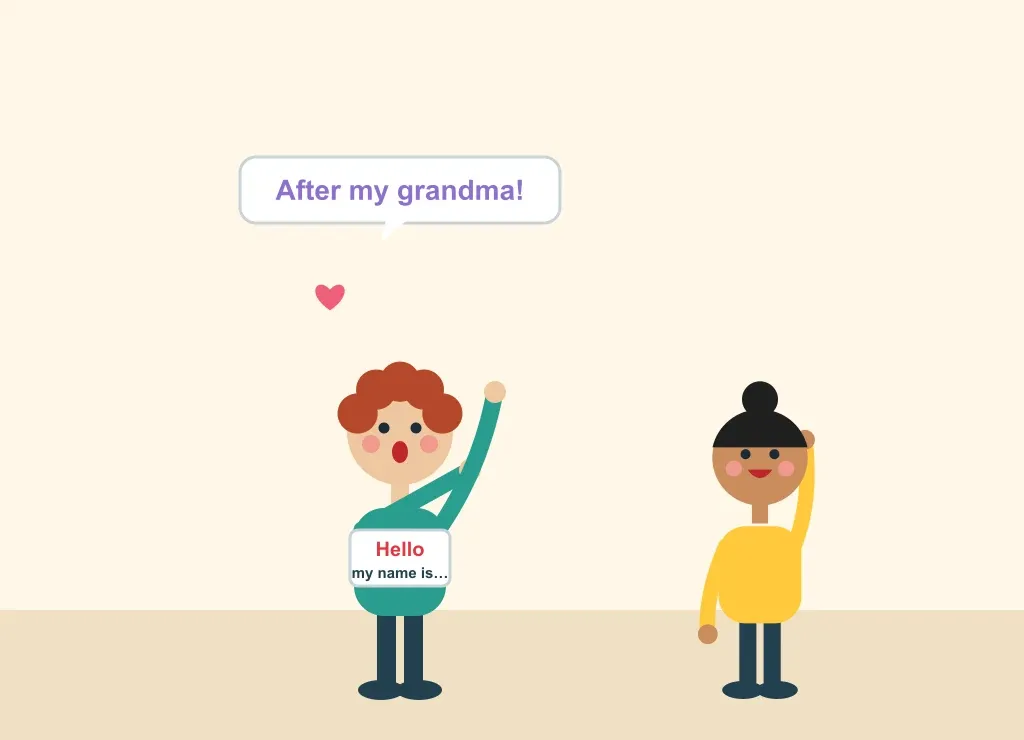
  1. Each participant tells the story of why they were given their name.
Illustration: Two Truths and a Lie

Two Truths and a Lie

Group
The whole team
Age
Any age
Duration
5 minutes per round
Where
Remote or in person
How it works

When to use it

A fun icebreaker for people who don't know each other and have just been introduced, and a great way for people to show their fun, non-work side.

What you need

  • Sticky notes (real ones, or on a shared online board)

Step by step

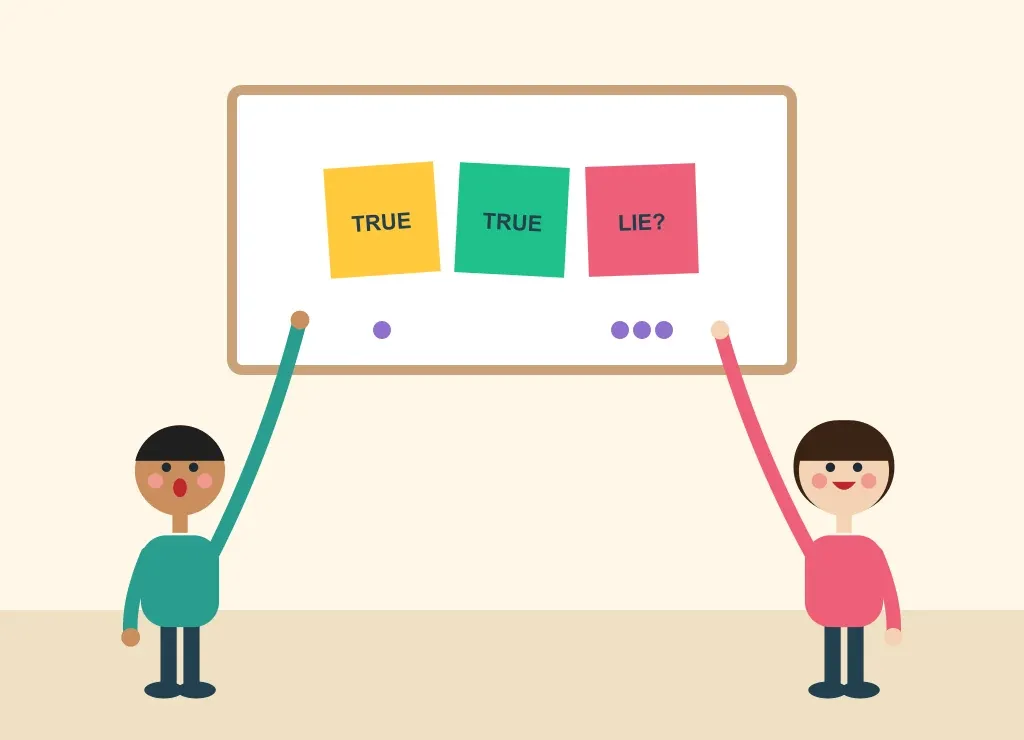
  1. Each participant writes three statements about themselves on three sticky notes: two true, one a lie.
  2. Everyone adds a dot vote next to the statement they think is the lie.
  3. Once everyone has voted, reveal the right answer.
  4. Give the team the chance to ask follow-up questions.

Tips

  • Leave a bit of time for storytelling!

Try it online: Conceptboard template

Illustration: Grab and Share / Show and Tell

Grab and Share / Show and Tell

Group
The whole team
Age
Any age
Duration
2 minutes per person
Where
Remote, on a video call
How it works

When to use it

A great way for people to show their fun, non-work side.

Step by step

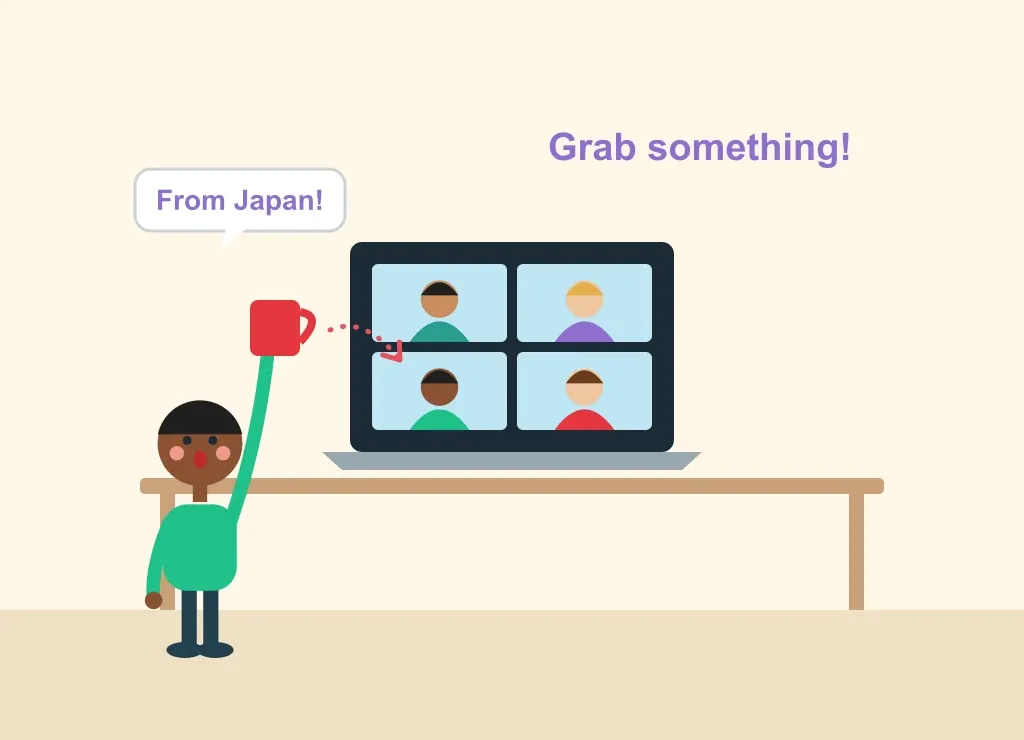
  1. On the video call, everyone grabs something within arm’s reach.
  2. Take turns telling a story about that item: where and when did you get it? Is it meaningful?

Tips

  • On several calls with the same people, grab something new each time.
Illustration: What, Where, When?

What, Where, When?

Group
The whole team
Age
Any age
Duration
5 minutes for three questions
Where
Remote or in person
How it works

When to use it

Around a (virtual) water cooler. A shorter take on a trivia game.

Step by step

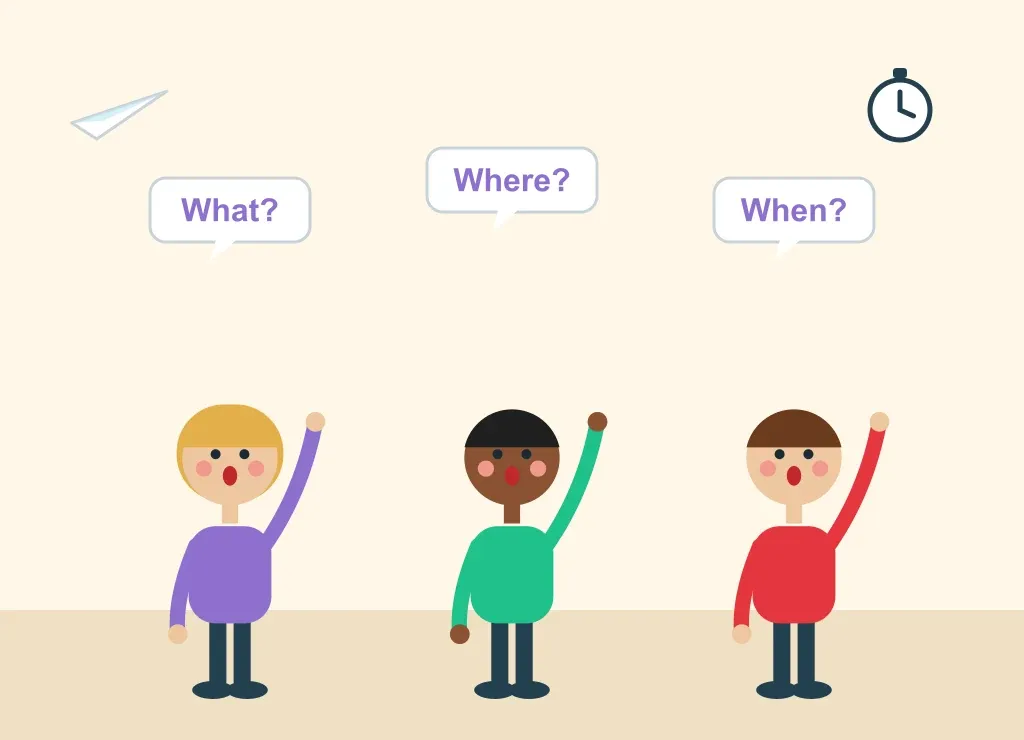
  1. Ask everyone to answer a few pop culture questions, such as “What was the last TV show you binge-watched?” or “Where is your dream holiday destination?”.
  2. Go around for each question.

Tips

  • Pop culture is always a good conversation starter: you'll quickly find teammates with the same guilty pleasures to talk them over with.

Try it online: Conceptboard template

Illustration: Quiz Breaker

Quiz Breaker

Group
The whole team
Age
Any age
Duration
Runs on its own schedule
Where
Remote, by email or chat
How it works

When to use it

Bringing remote teams closer together, so they learn more about each other while having fun.

What you need

  • A QuizBreaker account

Before the meeting

  • Add the team to QuizBreaker and pick how often it should run.

Step by step

  1. QuizBreaker sends everyone icebreaker questions, like the ones in “What, Where, When?”.
  2. It then quizzes the team on who gave each answer, automatically, on its schedule.

Try it online: QuizBreaker

2 icebreakers

Company Icebreakers

For when the idea is for the team to get to know its own company better.

Illustration: Aliens Have Landed

Aliens Have Landed

Group
The whole team
Age
Adults
Duration
5 minutes per round
Where
Remote or in person
How it works

When to use it

Helping teams with language and cultural differences strengthen the company culture.

What you need

  • Paper and pens, or a shared online whiteboard

Step by step

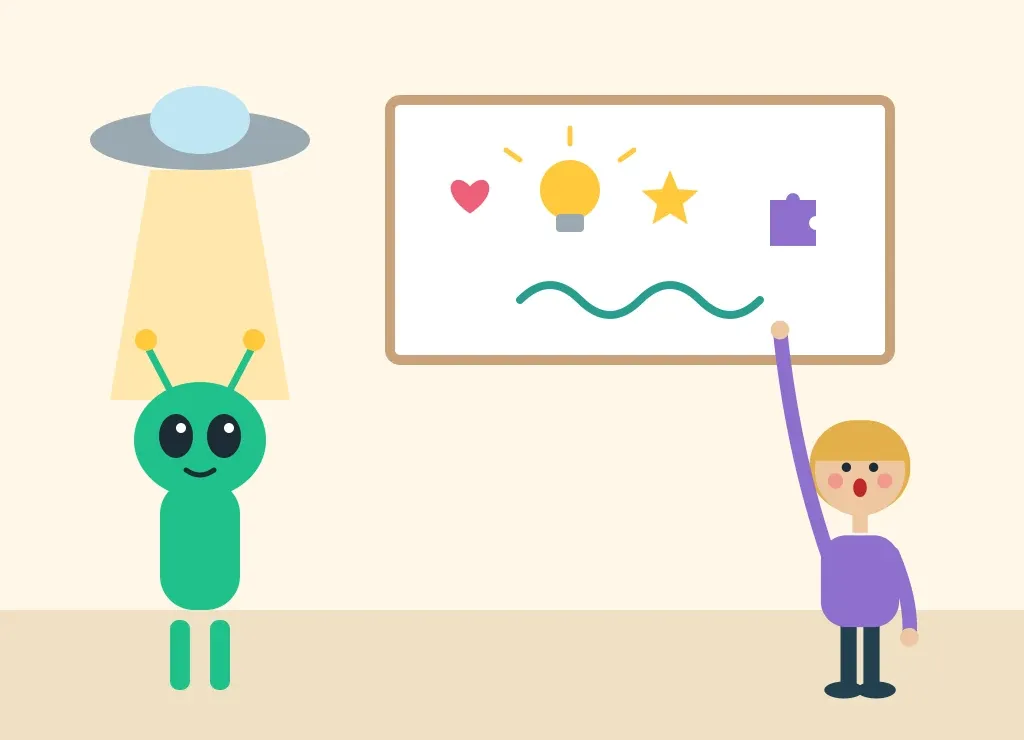
  1. Tell the group to imagine aliens have landed on Earth and want to learn about the company. They don't speak your language or understand what you do, so it has to be explained with five symbols or pictures.
  2. Each participant draws five simple images that best describe the company’s products and culture.
  3. Take a few minutes to look at all the images together and talk through the common themes.

Tips

  • It really lights up the group chat during a virtual meeting.
Illustration: Tell a Great Company Story

Tell a Great Company Story

Group
The whole team, or one person a day
Age
Adults
Duration
5 minutes per round
Where
Remote or in person
How it works

When to use it

When you want to stay focused on company talk. These stories help people feel more engaged with their teams, and give everyone a chance to celebrate themselves and their peers.

Step by step

  1. Ask each participant (or pick one a day) to share a great experience they had at the company.
  2. It could be a brainstorming session that led to a breakthrough idea, an amazing customer service moment, or a time a teammate chipped in to get a project done before a deadline.

And also

Play some games

Ready-made games to play together online, for when a team has a little longer.

garticphone.com

Gartic Phone

The telephone game, drawn: write, draw, guess, and laugh at where it ends up.

outbackteambuilding.com

Virtual escape room

Puzzle your way out of an online escape room as a team.

pedrovicente.pt

Group Games

365 more group games, for parties, camps and team building.